First identify where the problem appears: your Google Business Profile, your website's search visibility or the contact process after a visit. These are different problems. Adding city names to every page will not repair a form that sends enquiries to the wrong inbox.
Find the next check
Where do you see the problem?
This guide uses your observations. It does not access your website or Google accounts.
Choose the next action from the evidence
| Observation | First check | Useful next action |
|---|---|---|
| No reliable figures | Available reporting and actual received enquiries | Establish a dated baseline |
| Business Profile absent | Eligibility, verification and suspension status | Resolve the relevant profile issue |
| Profile visible but weak | Accurate category, services, hours and genuine evidence | Correct incomplete or misleading information |
| Service page gets few search clicks | Indexing, queries and landing page in Search Console | Fix access or improve the page for its actual search intent |
| Visits arrive without enquiries | A real form submission and its destination | Repair delivery before buying more traffic |
Make the Business Profile accurate
Check Google's eligibility and representation rules. Online-only businesses generally do not qualify for a Business Profile. A business that travels to customers should represent its real service area and address situation according to those rules, without inventing customer-facing premises.
Use the real business name, appropriate category, current hours and the services actually supplied. Request honest reviews without rewards, pressure or selective filtering of satisfied customers. Respond usefully to feedback and keep current photographs where they help a customer understand the business.
Google explains local results through relevance, distance and prominence. You can improve accurate information and evidence of your work; you cannot promise a position for every search location or pay Google for better organic local ranking. See Google's local ranking guidance.
Give each service page a useful answer
A local page should explain the service, the real area covered, relevant evidence and the next action. A page that merely replaces one town name with another adds little for a reader comparing providers.
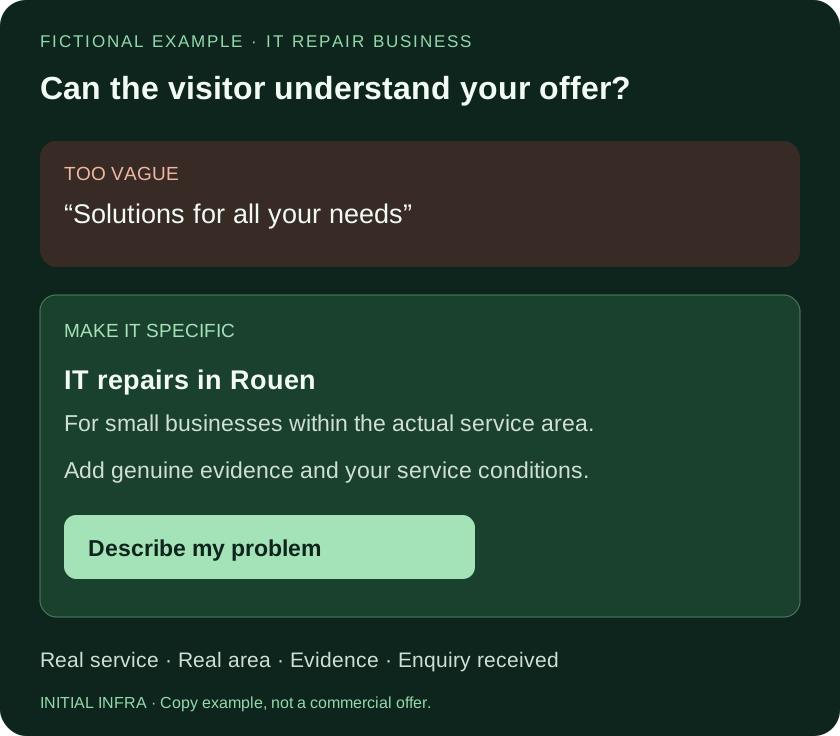
Read the diagram as text
FICTIONAL EXAMPLE · IT REPAIR BUSINESS Can the visitor understand your offer? TOO VAGUE “Solutions for all your needs” MAKE IT SPECIFIC IT repairs in Rouen For small businesses within the actual service area. Add genuine evidence and your service conditions. Describe my problem Real service · Real area · Evidence · Enquiry received INITIAL INFRA · Copy example, not a commercial offer.
For example, a visitor needs to know whether you support their type of business, what the first intervention includes and how to describe the problem. Only publish references and results you can substantiate. A specific, accurate limitation can be more useful than a broad claim to handle everything.
Test the complete contact path
Submit a clearly labelled test from a normal device. Confirm receipt in the intended mailbox or business system, including the information needed to respond. Check the confirmation shown to the visitor, error messages and mobile usability. A thank-you page alone does not establish delivery.
Then check who receives and follows up on a real enquiry. Website work cannot compensate for a message left unread.
Read the numbers without joining unrelated counters
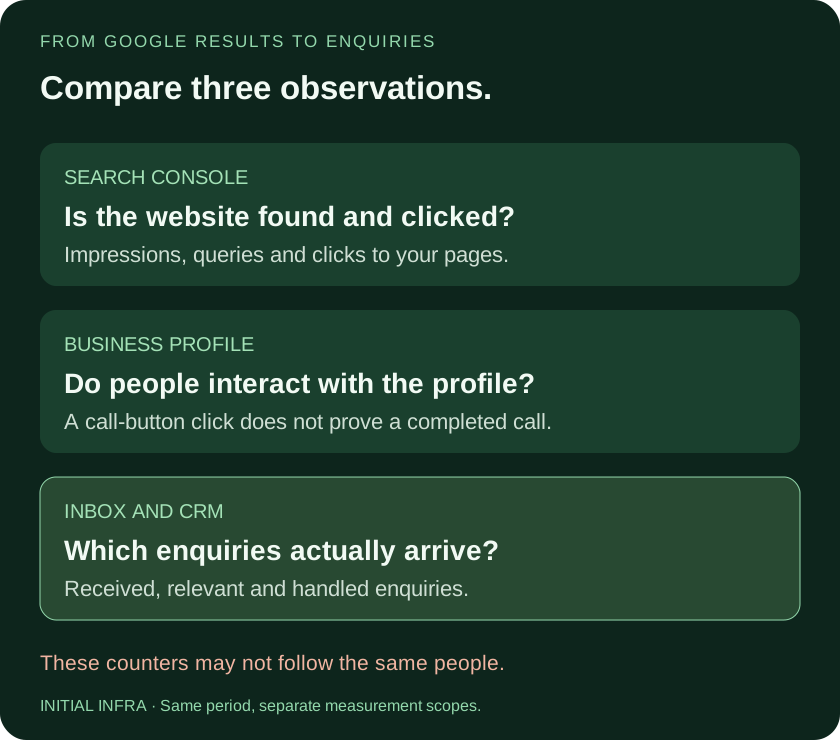
Read the diagram as text
FROM GOOGLE RESULTS TO ENQUIRIES Compare three observations. SEARCH CONSOLE Is the website found and clicked? Impressions, queries and clicks to your pages. BUSINESS PROFILE Do people interact with the profile? A call-button click does not prove a completed call. INBOX AND CRM Which enquiries actually arrive? Received, relevant and handled enquiries. These counters may not follow the same people. INITIAL INFRA · Same period, separate measurement scopes.
Business Profile interactions, Search Console clicks and enquiries in your inbox cover different events and populations. A call-button click is not a confirmed conversation. Search Console data does not establish whether a visitor became a customer. Google's Analytics and Search Console comparison explains differences in measurement.
Compare a defined period, such as 28 days, with a genuinely comparable earlier period. That is a review interval, not a promise that SEO will improve within a month. Account for holidays, seasonality and changes in advertising.
Keep a small enquiry log: date, requested service, area, source if known and outcome. Separate duplicates, spam and irrelevant requests from useful enquiries. Do not infer a conversion rate by dividing counters with unrelated scopes.
Use this worksheet
Local enquiry tracking worksheet
Use consistent comparison dates and keep tools separate. Enter aggregate figures only, without client identities or confidential access. Download before leaving.
Complete the worksheet
Nothing is sent or saved automatically. Download your answers before leaving the page.
Google counters, visits and received enquiries do not automatically cover the same population. This worksheet calculates neither an SEO score nor traffic gains.
Paid traffic can be tested once the destination and contact route work, with a defined budget and success criterion. It should not hide an unresolved delivery problem. For support with the website itself, see Initial Creation.