Start with one repeated workflow whose result you can check. Identify its inputs, authorised data, responsible reviewer and acceptable output before connecting an AI tool to business systems. A pilot is useful when it answers whether the work becomes easier without creating more correction or risk elsewhere.
Read the diagram as text
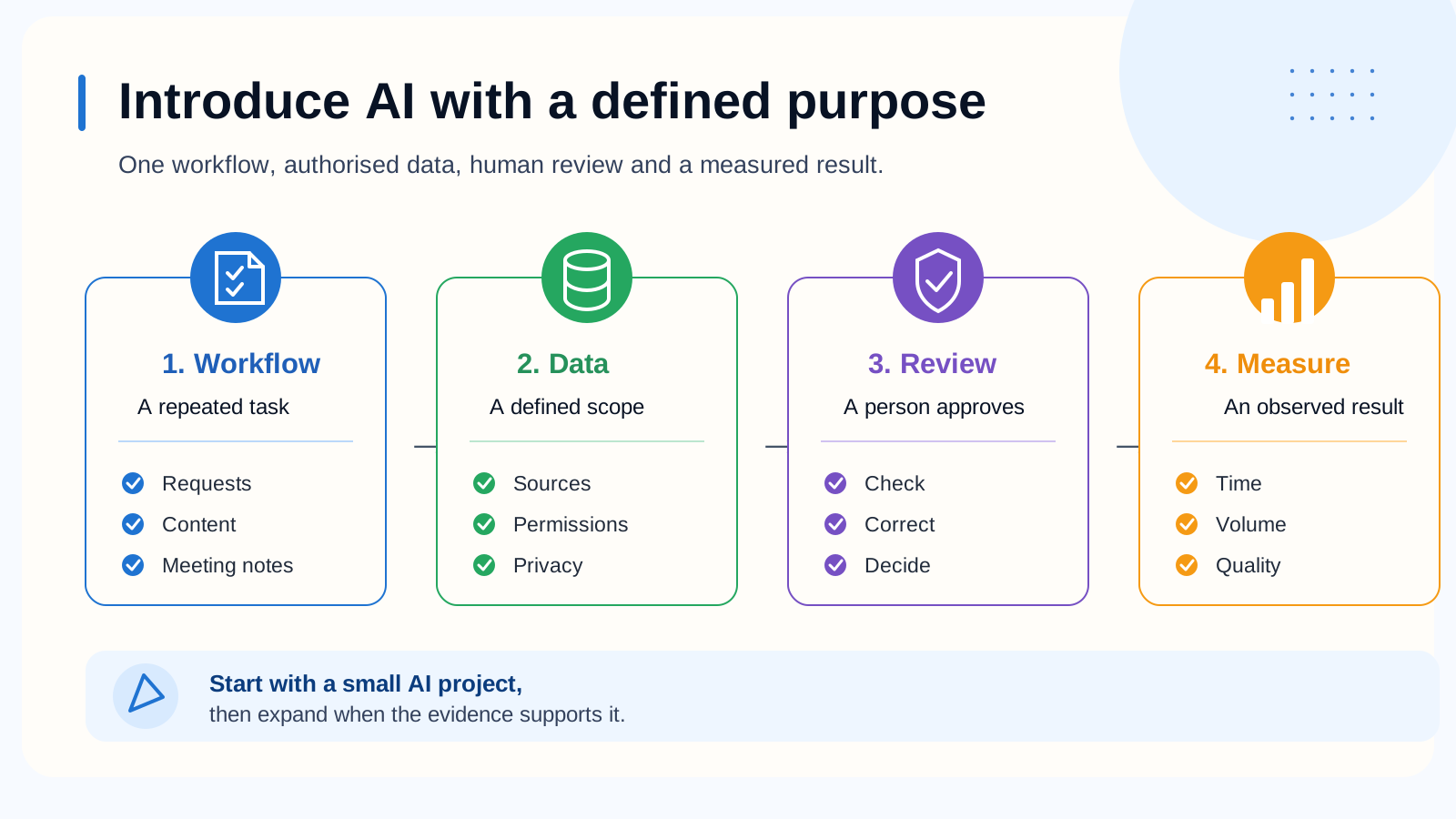
Introduce AI with a defined purpose One workflow, authorised data, human review and a measured result. 1. Workflow A repeated task Requests Content Meeting notes → 2. Data A defined scope Sources Permissions Privacy → 3. Review A person approves Check Correct Decide → 4. Measure An observed result Time Volume Quality Start with a small AI project, then expand when the evidence supports it.
Choose a task with a visible finish line
Suitable first candidates have repeated inputs, a result someone can verify and a clear owner. Examples include drafting a reply from an approved knowledge base, classifying incoming requests for review or producing an internal summary from selected documents.
Avoid starting with an instruction as broad as "automate sales". Break it into a bounded step: identify the requested service from an incoming message, propose a category and leave uncertain cases for a person.
Read the diagram as text
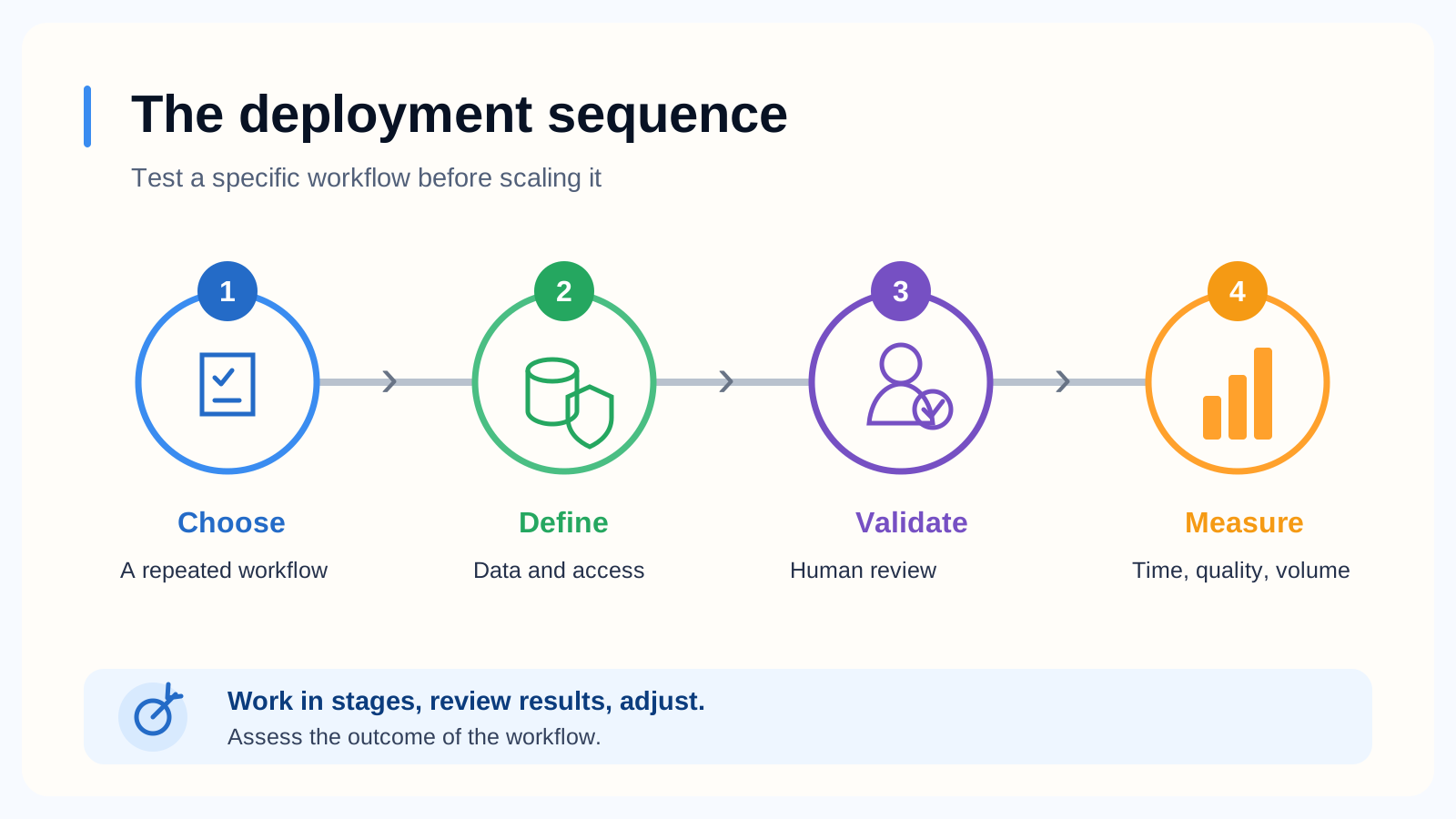
The deployment sequence Test a specific workflow before scaling it › › › 1 Choose A repeated workflow 2 Define Data and access 3 Validate Human review 4 Measure Time, quality, volume Work in stages, review results, adjust. Assess the outcome of the workflow.
Three first workflows to compare
| Workflow | Initial AI output | Human decision | Evidence to measure |
|---|---|---|---|
| Incoming requests | Proposed category, summary and draft reply | Confirm routing and approve any response | Correct routing, omissions and handling time including review |
| Assisted content | Draft based on an approved brief and sources | Check claims, tone and publication suitability | Usable drafts, factual corrections and total editing time |
| Internal document search | Proposed answer with document references | Verify applicability and source version | Correct answers, traceable evidence and appropriate abstentions |
Read the diagram as text
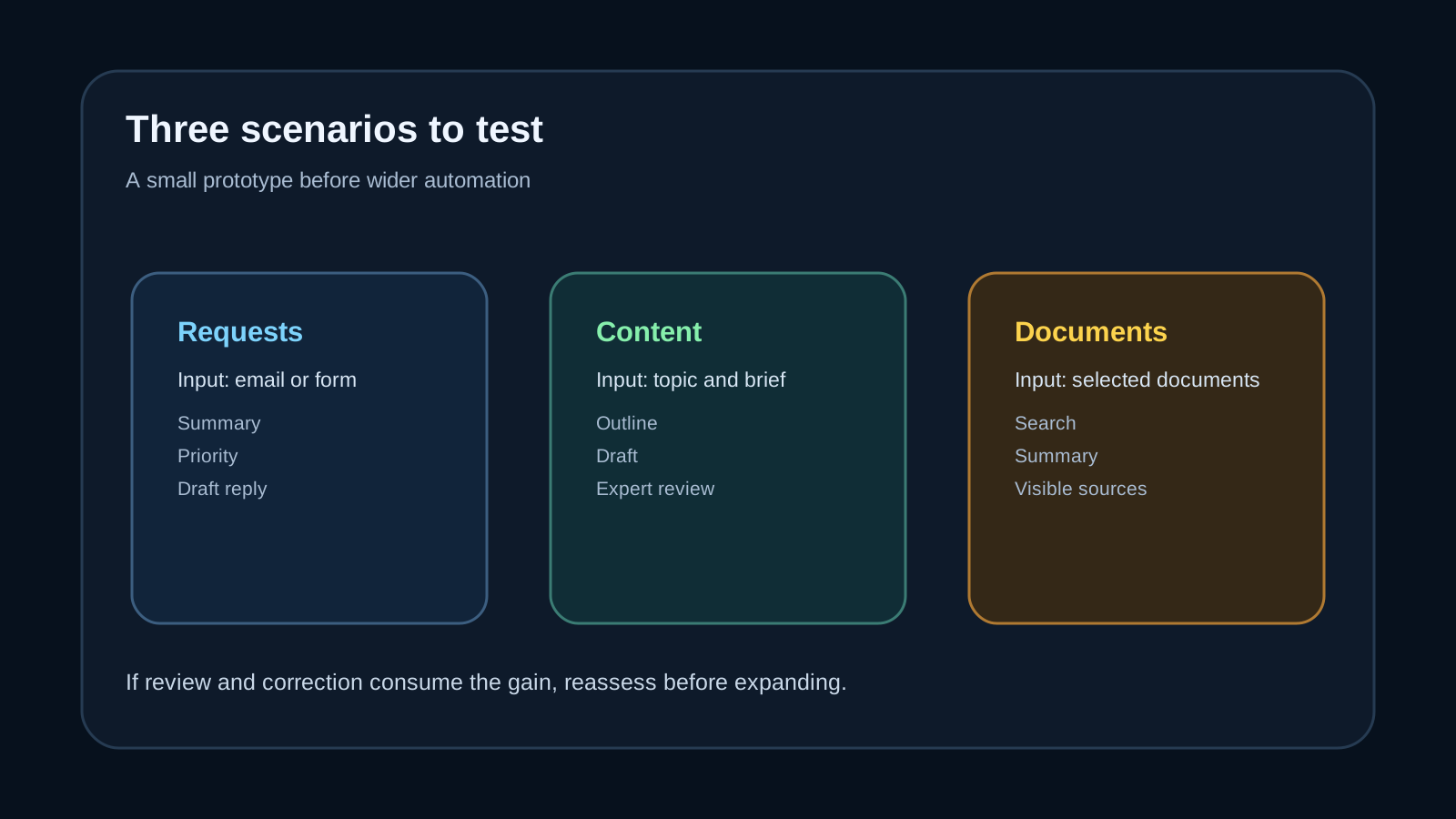
Three scenarios to test A small prototype before wider automation Requests Input: email or form Summary Priority Draft reply Content Input: topic and brief Outline Draft Expert review Documents Input: selected documents Search Summary Visible sources If review and correction consume the gain, reassess before expanding.
Other candidates include developer assistance, documentation and preparation of a quote from approved inputs. The same boundary applies: the system should not invent a price, commitment or customer fact that the source does not establish.
Read the diagram as text
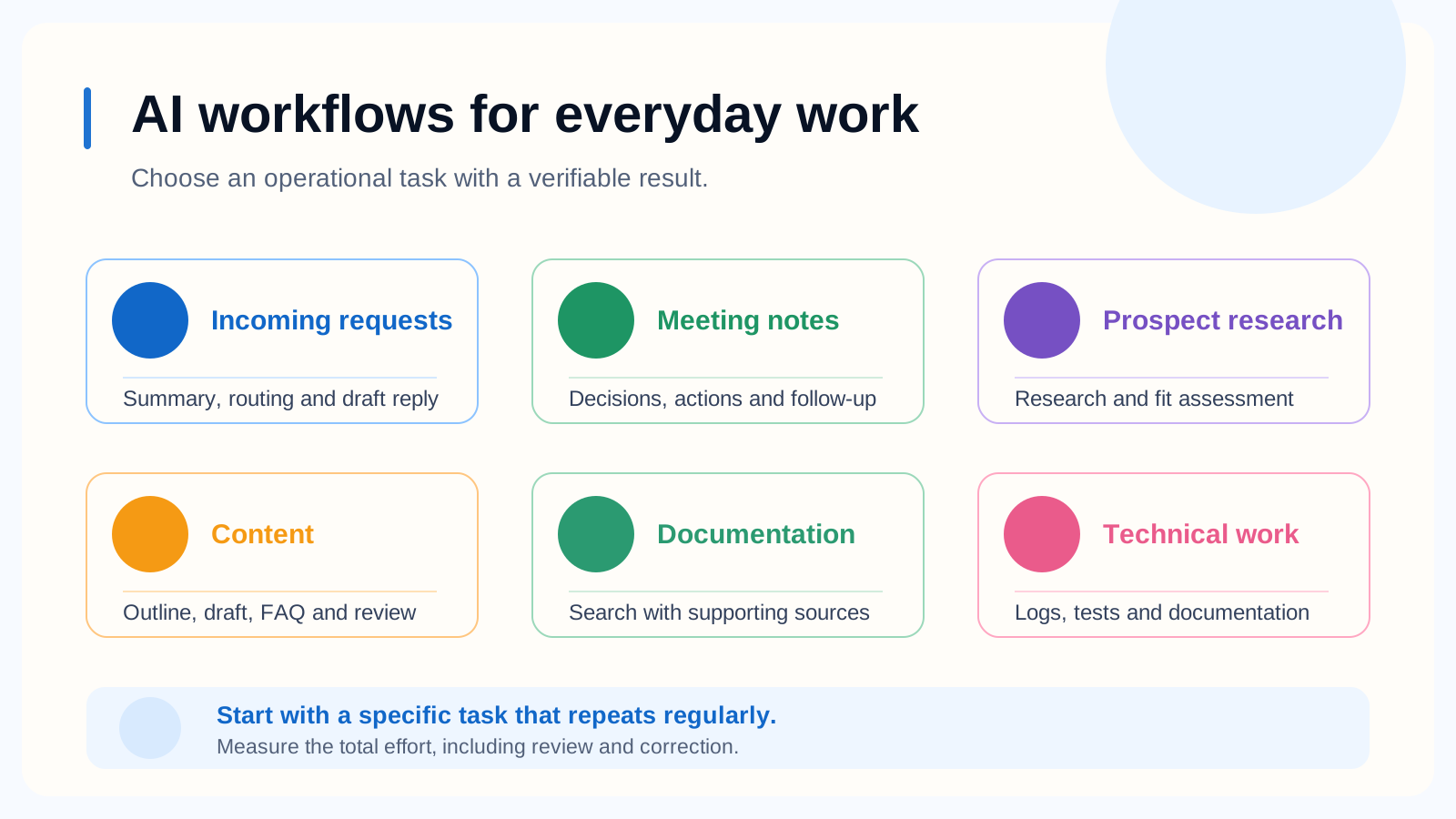
AI workflows for everyday work Choose an operational task with a verifiable result. Incoming requests Summary, routing and draft reply Meeting notes Decisions, actions and follow-up Prospect research Research, fit assessment and brief Content Outline, draft, FAQ and review Documentation Search with supporting sources Technical work Logs, tests, CI/CD and documentation Start with a specific task that repeats regularly. Measure the total effort, including review and correction.
Define the data boundary before connecting accounts
List the documents and fields the task needs, who may access them and which information must stay outside the pilot. Use synthetic or appropriately reduced data for initial testing where possible. Review the selected service's actual retention, training-use, hosting, contractual and permission settings; a product label alone does not establish those terms.
A retrieval system should respect the reader's permissions. If an employee cannot open a salary document directly, an assistant should not reveal its content through an answer. Existing oversharing can become easier to exploit when search becomes easier.
For a Microsoft 365 Copilot project, consult Microsoft's data, privacy and security documentation. It describes that product, not every chatbot or connector. The CNIL's AI resources address personal-data considerations for organisations subject to the GDPR.
Read the diagram as text
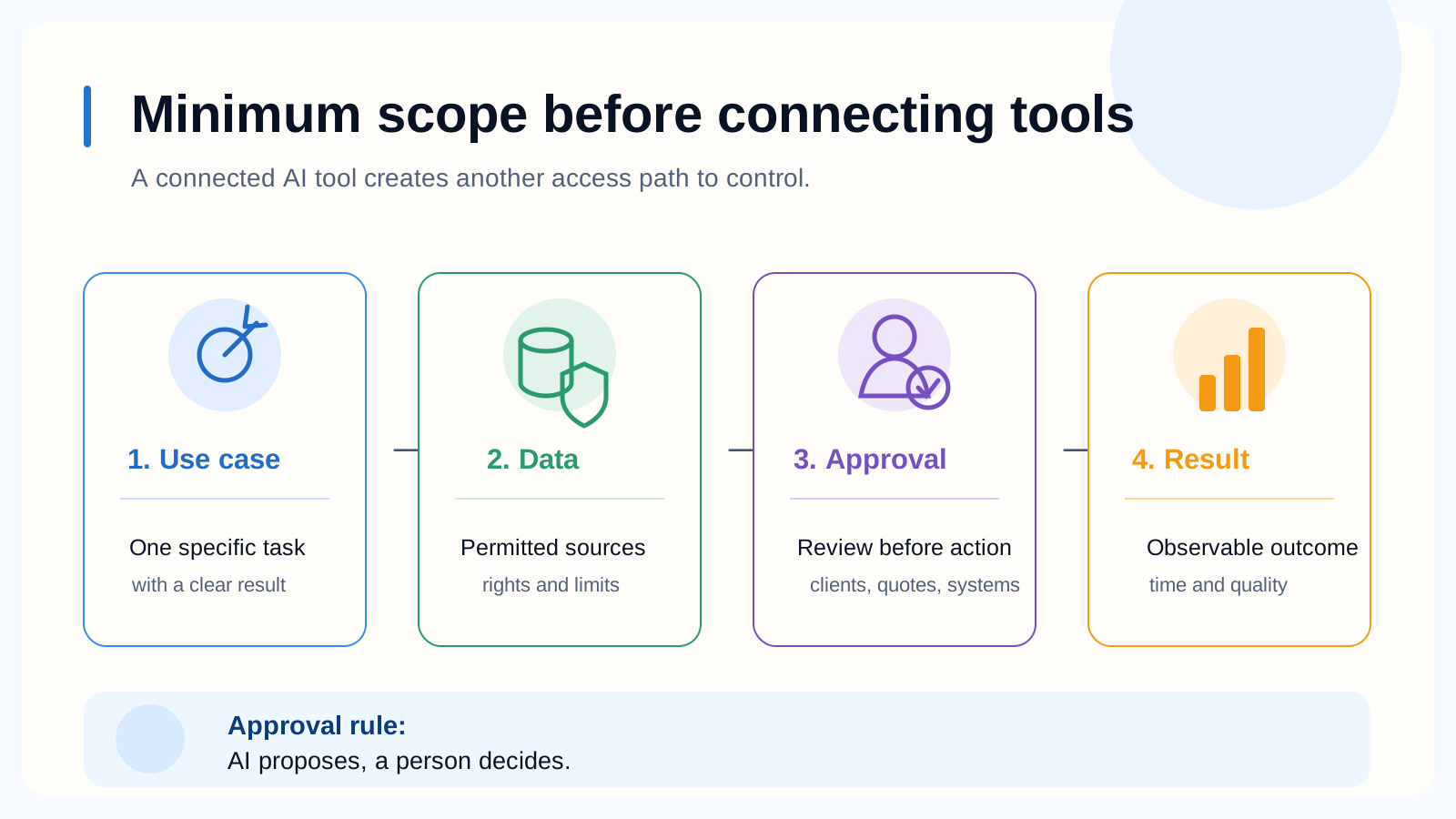
Minimum scope before connecting tools A connected AI tool creates another access path to control. 1. Use case One specific task with a clear result → 2. Data Permitted sources rights and limits → 3. Approval Review before action clients, quotes, systems → 4. Result Observable outcome time and quality Approval rule: AI proposes, a person decides.
Test failure cases as well as good examples
Prepare a small evaluation set from representative, authorised cases. Keep the expected answer or decision outside the model's prompt when measuring performance. Include missing information, contradictory documents, outdated procedures and requests that should be rejected or escalated.
For document search, require a reference and check that it supports the actual claim. A plausible answer with an unrelated citation is still wrong. When the evidence is missing or conflicts, a useful response should identify the gap rather than invent a resolution.
Treat instructions inside retrieved emails and documents as content, not authority to change the assistant's permissions or send information elsewhere. Include a benign test document that asks the assistant to ignore its rules, then verify that the workflow does not follow that instruction. Limit tool permissions and require human approval for consequential actions. OWASP describes this class of failure as prompt injection.
Measure the whole task
Record the original handling time and the pilot's drafting, checking, correction and follow-up time on comparable cases. Count errors by consequence: a harmless wording change and an incorrect payment instruction should not carry the same weight.
Define acceptance thresholds with the workflow owner before reviewing the results. No universal accuracy percentage makes every use safe. A workflow that needs frequent factual repair may still be unsuitable even when the first draft arrives quickly. These evaluation principles are consistent with the NIST Generative AI Profile.
A four-week pilot structure
| Stage | Work | Decision evidence |
|---|---|---|
| Week 1 | Select the task, owner and current baseline | One workflow and a defined useful output |
| Week 2 | Check data, permissions and evaluation cases | Approved inputs and explicit exclusions |
| Week 3 | Test the bounded prototype with review | Errors, handling time and failure-case results |
| Week 4 | Compare results and decide | Continue, revise or stop against the agreed criteria |
This is a planning example, not a promised delivery time. Access, procurement or data quality may require more preparation. Start with draft output and manual approval before considering automatic actions.
Read the diagram as text
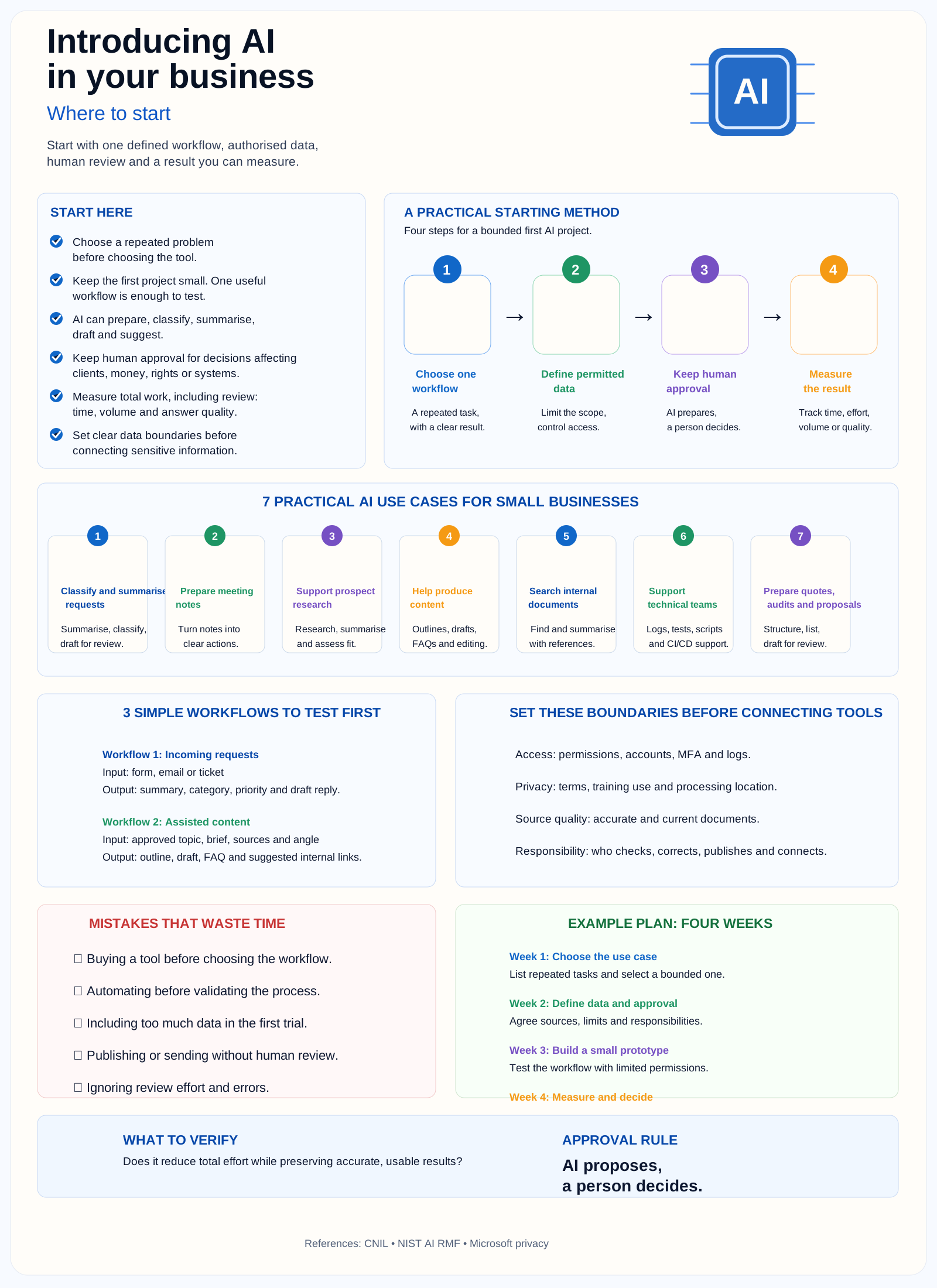
Introducing AI in your business Where to start Start with one defined workflow, authorised data, human review and a result you can measure. AI START HERE Choose a repeated problem before choosing the tool. Keep the first project small. One useful workflow is enough to test. AI can prepare, classify, summarise, draft and suggest. Keep human approval for decisions affecting clients, money, rights or systems. Measure total work, including review: time, volume and answer quality. Set clear data boundaries before connecting sensitive information. A PRACTICAL STARTING METHOD Four steps for a bounded first AI project. 1 Choose one workflow A repeated task, with a clear result. → 2 Define permitted data Limit the scope, control access. → 3 Keep human approval AI prepares, a person decides. → 4 Measure the result Track time, effort, volume or quality. 7 PRACTICAL AI USE CASES FOR SMALL BUSINESSES 1 Classify and summarise requests Summarise, classify, draft for review. 2 Prepare meeting notes Turn notes into clear actions. 3 Support prospect research Research, summarise and assess fit. 4 Help produce content Outlines, drafts, FAQs and editing. 5 Search internal documents Find and summarise with references. 6 Support technical teams Logs, tests, scripts and CI/CD support. 7 Prepare quotes, audits and proposals Structure, list, draft for review. 3 SIMPLE WORKFLOWS TO TEST FIRST Workflow 1: Incoming requests Input: form, email or ticket Output: summary, category, priority and draft reply. Workflow 2: Assisted content Input: approved topic, brief, sources and angle Output: outline, draft, FAQ and suggested internal links. SET THESE BOUNDARIES BEFORE CONNECTING TOOLS Access: permissions, accounts, MFA and logs. Privacy: terms, training use and processing location. Source quality: accurate and current documents. Responsibility: who checks, corrects, publishes and connects. MISTAKES THAT WASTE TIME ✖ Buying a tool before choosing the workflow. ✖ Automating before validating the process. ✖ Including too much data in the first trial. ✖ Publishing or sending without human review. ✖ Ignoring review effort and errors. EXAMPLE PLAN: FOUR WEEKS Week 1: Choose the use case List repeated tasks and select a bounded one. Week 2: Define data and approval Agree sources, limits and responsibilities. Week 3: Build a small prototype Test the workflow with limited permissions. Week 4: Measure and decide WHAT TO VERIFY Does it reduce total effort while preserving accurate, usable results? APPROVAL RULE AI proposes, a person decides. References: CNIL • NIST AI RMF • Microsoft privacy
Keep the pilot supportable
Name the person who maintains prompts, approved sources, access and the evaluation set. Recheck results when the model, connector or source collection changes. Keep a way to pause the workflow and return to the existing process.
If the task passes its acceptance checks, expand one boundary at a time: more cases, another team or a narrowly scoped action. For help framing a first workflow, see Initial IA. The useful deliverable is a repeatable process with known limits, not merely an account on another tool.
View sources (5)
Support available on this topic
Initial Infra handles these topics for SMBs and mid-size companies. A short call is enough to identify priorities and the right scope of intervention.