Business data security rarely starts where people expect. The first subject is not the firewall, the antivirus, or the latest cybersecurity tool. The first subject is simpler: which data keeps the company running, where is it stored, and who can touch it?
In an SMB, the answer is often less clear than it should be. Client folders live in Microsoft 365, on a NAS, in mailboxes, on synced laptops, sometimes in a business application, and sometimes in an Excel export that everyone uses without really knowing where it came from.
When nothing goes wrong, this dispersion is almost invisible. When an account is compromised, an employee leaves, a laptop is stolen, or a folder disappears, it becomes the main problem.
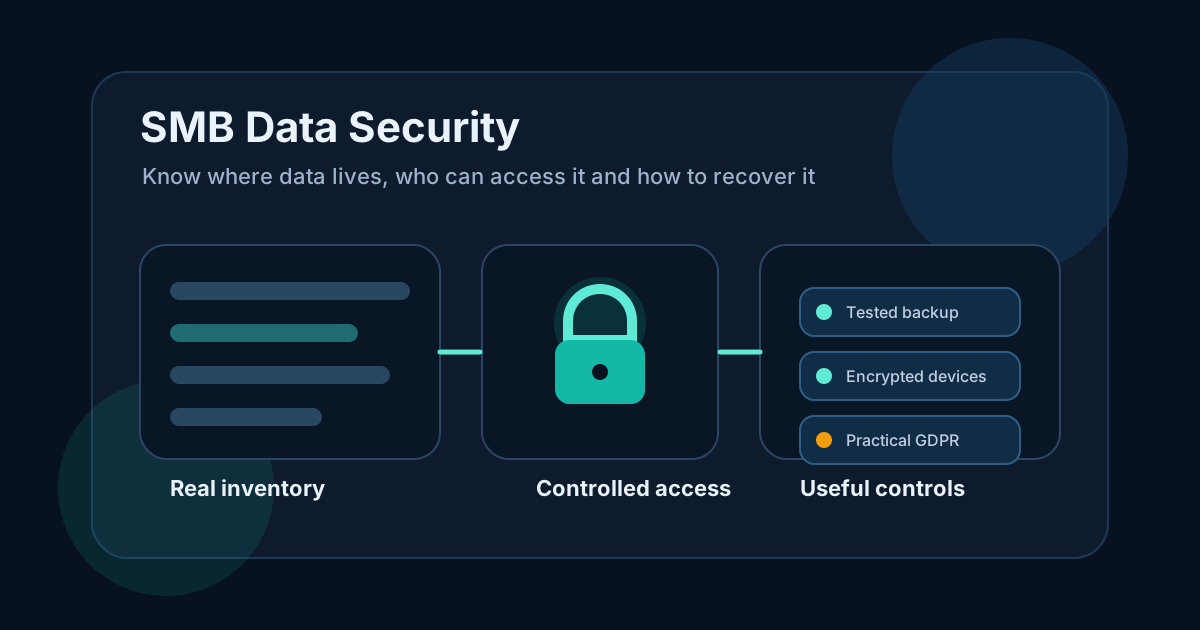
In short
- Start with the data people actually use: clients, invoices, payroll, contracts, project folders, business databases.
- Identify where it really lives: cloud, server, NAS, laptops, mailboxes, SaaS applications.
- Reduce access to what is needed, especially for admins, management, accounting and backup systems.
- Enable MFA first on accounts that can expose data, pay invoices, administer systems or restore backups.
- Test a restore before assuming a backup protects the business.
- Encrypt laptops that carry sensitive data.
- Connect GDPR to real operating practices, not only to legal documents.
The real problem: the company does not always know where its data is
Many SMBs think they have a cybersecurity problem. First, they have an inventory problem.
A quote can sit in a CRM, but also in a mailbox. A contract can be stored in SharePoint, but also on a salesperson's laptop. A payroll export can remain on the HR workstation. A business database may be backed up by the software vendor, while the company does not know how long those backups are kept.
That uncertainty is enough to create risk.
Data that cannot be located cannot be protected properly. Access that is no longer visible cannot be removed. A backup that has never been restored is still a promise.
The ANSSI hygiene guide focuses on concrete fundamentals: knowing the information system, managing access rights, backing up data, maintaining endpoints and monitoring important events. These basics are not theoretical. In a small company, they mainly prevent the team from discovering the environment during an incident.
Which data should be handled first
Not every dataset deserves the same level of effort. The right starting point is to identify what blocks the business if it is lost, exposed or modified.
| Data | Where it often hides | Main risk | Priority |
|---|---|---|---|
| Active client folders | SharePoint, NAS, email, synced laptops | Lost history, disputes, commercial leakage | High |
| Invoices and accounting | Business software, exports, accounting mailbox | Cash collection blocked, tracking errors | High |
| Payroll and HR | HR workstation, SaaS, email attachments | Sensitive personal data | Very high |
| Management mailbox | Microsoft 365, Google Workspace, phone | Fraud, reset of other accounts | Very high |
| Business database | Server, vendor platform, vertical app | Slower or stopped production | High |
| Website and forms | Hosting provider, CMS, CRM, mailbox | Lost leads, leaked requests | Medium to high |
This table does not need to be perfect. It needs to force the right conversation.
The weak sentence is: "we need to secure our data".
The useful sentence is closer to: "payroll, invoicing, active client folders, the management mailbox and the business database come first".
That is something the company can act on.
Map data without turning it into a long audit
Data mapping can stay short. The goal is not to produce a spreadsheet nobody will read. The goal is to understand how data moves.
For each department, note four things.
Tools used every day
CRM, invoicing, accounting, payroll, email, shared files, ticketing, business software. Daily tools usually contain the data that matters most.
Files exported from those tools
Excel exports, PDFs sent to clients, attachments, reports, accounting imports. These files quickly escape the logic of the original application.
People who have access
Separate necessary access, inherited access and temporary access that was never removed. They are rarely the same thing.
Places where a copy exists
Backup, local sync, email archive, cloud storage, external drive, personal device whether approved or not. A useful copy can save a recovery. A forgotten copy can become a leak.
This can be done quickly if the discussion stays practical. Ask teams what they open during a normal day. Not what they are supposed to use. What they actually use.
Fix access before adding more tools
Access is the first lock on business data.
In an SMB, permissions drift over time. Someone changes role but keeps old folders. A provider keeps an admin account after a one-off intervention. A shared password is still used because it is convenient. A former employee remains in a Microsoft 365 or Google Workspace group.
Data security starts by cleaning that up.
Handle these first:
- Microsoft 365, Google Workspace, server, NAS and firewall admin accounts
- management mailbox
- accounting, invoicing, banking and payroll tools
- client folders and contracts
- backup consoles
- VPN and remote access
- remote support tools
- provider accounts
MFA should be enabled first on accounts that can administer, reset, pay, restore or export sensitive data. Company wide MFA is a good target, but powerful accounts should not wait until everyone is ready.
A quarterly access review is enough to start. It should answer simple questions: who joined, who left, who changed role, which admin accounts still exist, which external shares are active?
This is not paperwork. It is a security measure.
Check backups without lying to yourself
A backup only protects what it actually covers.
Many companies back up the server but not Microsoft 365. Or files but not the business database. Or they keep a copy on a NAS that is reachable with the same rights as production. During an incident, those details matter.
Ask direct questions.
- Which data is included?
- Which data is not included?
- When was the last restore tested?
- Who can start recovery?
- How long does it take to recover a file, a folder or a database?
- Does the backup survive if the main admin account is compromised?
The 3-2-1 backup rule remains a solid base: several copies, several environments, one separated copy. But it must be applied properly. Three copies that can be deleted from the same account do not mean much against a serious compromise.
A reliable backup gives proof: a restored file, an opened folder, a tested database, a known recovery time.
Without that proof, the company does not have a recovery capability. It has an assumption.
Do not forget endpoints and devices
Data often leaves central tools.
A salesperson syncs folders on a laptop. Management reads email on a phone. Accounting exports a file to the desktop. Someone moves a document to a USB key to send it to a partner. This happens in SMBs.
Basic protections are not glamorous, but they help.
- laptop encryption
- automatic session lock
- MFA on email and cloud applications
- ability to revoke sessions from a lost device
- limited local administrator rights
- regular updates for operating systems, browsers and business software
- minimal inventory of devices used for work
Laptop encryption deserves special attention. If a device is stolen, the company should be able to answer one question calmly: could the local data be read?
If the answer is unknown, the risk is not under control.
Make GDPR practical
GDPR is not only a privacy policy page. It is also a way to keep control of data.
The CNIL explains that GDPR applies to personal data: clients, prospects, employees, applicants, suppliers, support contacts, website form submissions. In an SMB, that data is everywhere: CRM, email, files, invoicing, payroll, backups, marketing tools.
CNIL also publishes recommendations on personal data security. They match daily IT concerns: permissions, passwords, backups, endpoints, traceability and awareness.
To make GDPR operational, the company should answer a few questions.
- Which personal data is collected?
- Why is it collected?
- Where is it stored?
- Who can access it?
- How long is it kept?
- How is it protected?
- Who notifies whom if an incident occurs?
This is not only about compliance. A company that can answer these questions already knows how to protect its data better.
Monitor less, but monitor what matters
Data security does not hold because a configuration was done once.
The company needs to see signals that something is wrong: failed backups, unusual logins on sensitive accounts, a new administrator created, massive external sharing, disabled antivirus, a full backup disk, an endpoint that no longer reports.
An SMB does not necessarily need a full SOC. It needs alerts on what can actually block or expose the business.
This belongs to operations. Security becomes real when someone reads alerts, fixes anomalies, documents exceptions and reviews access regularly.
Otherwise, rules age. Blind spots come back.
Common mistakes
Buying a tool before the inventory
A tool can help. It cannot decide by itself which data is vital to the company. Without an inventory, it protects what it sees and leaves the rest aside.
Thinking backup is enough
A backup helps after deletion, failure or encryption. It does not prevent a data leak. It must be paired with access control, MFA and basic monitoring.
Keeping old permissions
Permissions that are never reviewed end up describing the old organization, not the current one. Departures, role changes and provider interventions should trigger a review.
Forgetting mailboxes
Email contains contracts, attachments, client exchanges, HR information and sometimes password reset access. It should be treated as a critical asset.
Separating GDPR from IT operations
A privacy policy is not enough if files are scattered, access is too broad and backups are untested. GDPR must connect to real practices.
Never testing an incident
Testing a restore, simulating an employee departure or revoking a test device quickly shows weak points. Better to see them on a quiet Tuesday morning than during a crisis.
Action plan for an SMB
A simple plan is enough to start.
- List critical data by department.
- Identify where it is stored.
- Check who can access it today.
- Protect sensitive accounts with MFA.
- Reduce unnecessary permissions.
- Check the backup scope.
- Restore a test file or folder.
- Encrypt laptops.
- Document procedures for departures, lost devices and incidents.
- Review access every quarter.
This plan is not impressive. That is why it works. It handles the points that most often break: poorly located data, broad permissions, assumed backups, forgotten endpoints and missing procedures.
What changes in practice
An SMB that handles data security seriously becomes clearer.
It knows which data matters. It knows where that data lives. It knows who can access it. It knows what to restore. It knows what to cut when someone leaves. It knows what to check when a laptop disappears.
This is not only cybersecurity. It is better IT operations.
When the current state is unclear, a diagnostic helps put the work in the right order: critical data, access, backups, endpoints, cloud and procedures. Then operations, systems and retention can be aligned with real risks.
Data security is not a layer to add at the end. It is a way to regain control over what the company already uses every day.
View sources (4)
Support available on this topic
Initial Infra handles these topics for SMBs and mid-size companies. A short call is enough to identify priorities and the right scope of intervention.