The practical answer. Investigate SharePoint for compatible collaborative documents, and a NAS or file-server service when an application requires a network share. Test the actual files, permissions and recovery before migrating. Seeing a folder in Windows does not make the two systems technically equivalent.
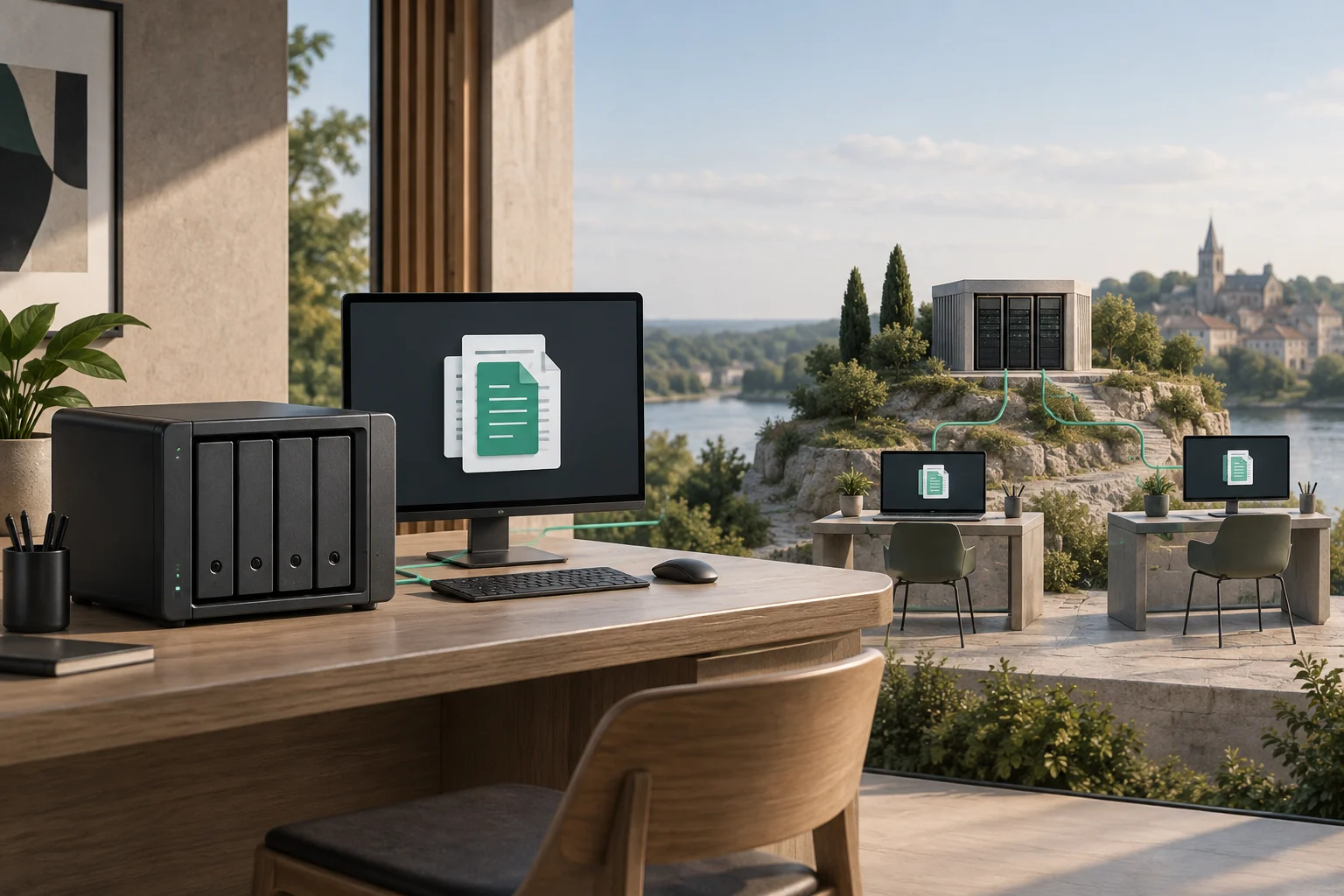
Can folders stay in Windows File Explorer?
Yes, but they behave differently. A NAS is network-connected storage that can provide file shares. SharePoint Online uses OneDrive shortcuts or synchronisation to expose documents in File Explorer. See Microsoft's File Explorer guidance. Files explicitly available offline can be used locally and synchronise changes when connectivity returns.
A synchronised folder is not a drop-in replacement for every application expecting a network drive. Obtain the vendor's supported configuration for databases, linked project files and software that locks files while editing.
Match the storage to the work
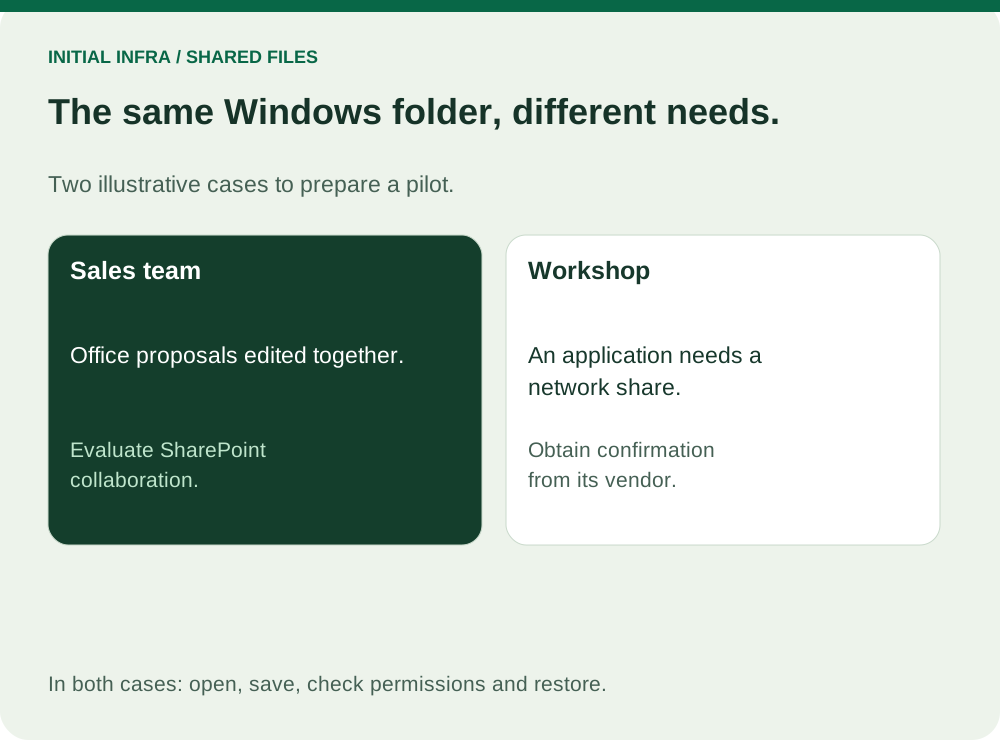
Read the diagram as text
INITIAL INFRA / SHARED FILES The same Windows folder, different needs. Two illustrative cases to prepare a pilot. Sales team Office proposals edited together. Evaluate SharePoint collaboration. Workshop An application needs a network share. Obtain confirmation from its vendor. In both cases: open, save, check permissions and restore.
- Contracts, spreadsheets and meeting records: test SharePoint and simultaneous editing with compatible applications.
- A business application's database or working files: obtain vendor approval before moving them into a synchronised folder.
- Large design or video projects: time a complete open/edit/save cycle with all linked assets.
For example, a team writing proposals together can pilot SharePoint. A workshop whose application opens a database from a network path needs its vendor's confirmation first. A hybrid arrangement is possible, but designate one authoritative location per folder. Two independently editable copies make it unclear which version to trust.
Check shared capacity separately from personal storage
SharePoint organisational storage is distinct from employees' OneDrive allowances. For the relevant Microsoft 365 Business plans, Microsoft lists 1 TB plus 10 GB per purchased licence. Ten eligible licences therefore provide 1 TB plus 100 GB of shared capacity. Check your actual plan and usage against Microsoft's limits, rechecked on 25 September 2026.
Compare disks, maintenance and remote access for a NAS against licences, additional storage and administration for SharePoint. Both proposals must include data migration, permission design and backup. An included storage allowance does not mean migration or ongoing administration is free.
Run a pilot that can fail
Select a representative folder with two colleagues, including a remote user when relevant. Test opening, editing, simultaneous use, offline work, denied access for an unauthorised account and restoration of a deleted test file. Microsoft recommends a pilot in its file-share migration guide.
Count files as well as bytes. For optimum performance, Microsoft recommends synchronising no more than 300,000 files in a single OneDrive or team site library; problems can also arise when synchronised libraries collectively reach that level, and shortcuts count towards relevant sync constraints. This is a synchronisation recommendation, not SharePoint's overall file capacity. Check the current limits before sizing your rollout.
Define the final switch before copying everything: when editing pauses, who performs the final transfer, how changed files are reconciled, and which location users must open afterwards. Have users validate document links and permissions at the destination. Keep the old location controlled until acceptance; do not leave two active masters without a synchronisation plan.
Use this worksheet
Pilot before moving shared folders
Choose a representative test folder and one candidate solution. Use fictional or authorised files and preserve production originals.
Complete the worksheet
Nothing is sent or saved automatically. Download your answers before leaving the page.
A compatibility or permissions blocker pauses migration. A successful pilot validates its scope, not every file or workload.
Assign an owner to the team space and use individual access. Review Microsoft 365 recovery and client-sharing permissions.
Give Initial Infra your user count, data volume, applications and existing licences for a proposal covering storage, migration and Windows access.