Training providers
A new session. Rooms ready.
Wi-Fi, computers and temporary accounts: we prepare your IT environment around your groups, applications and training schedule.
Discuss your training roomsExplore our approach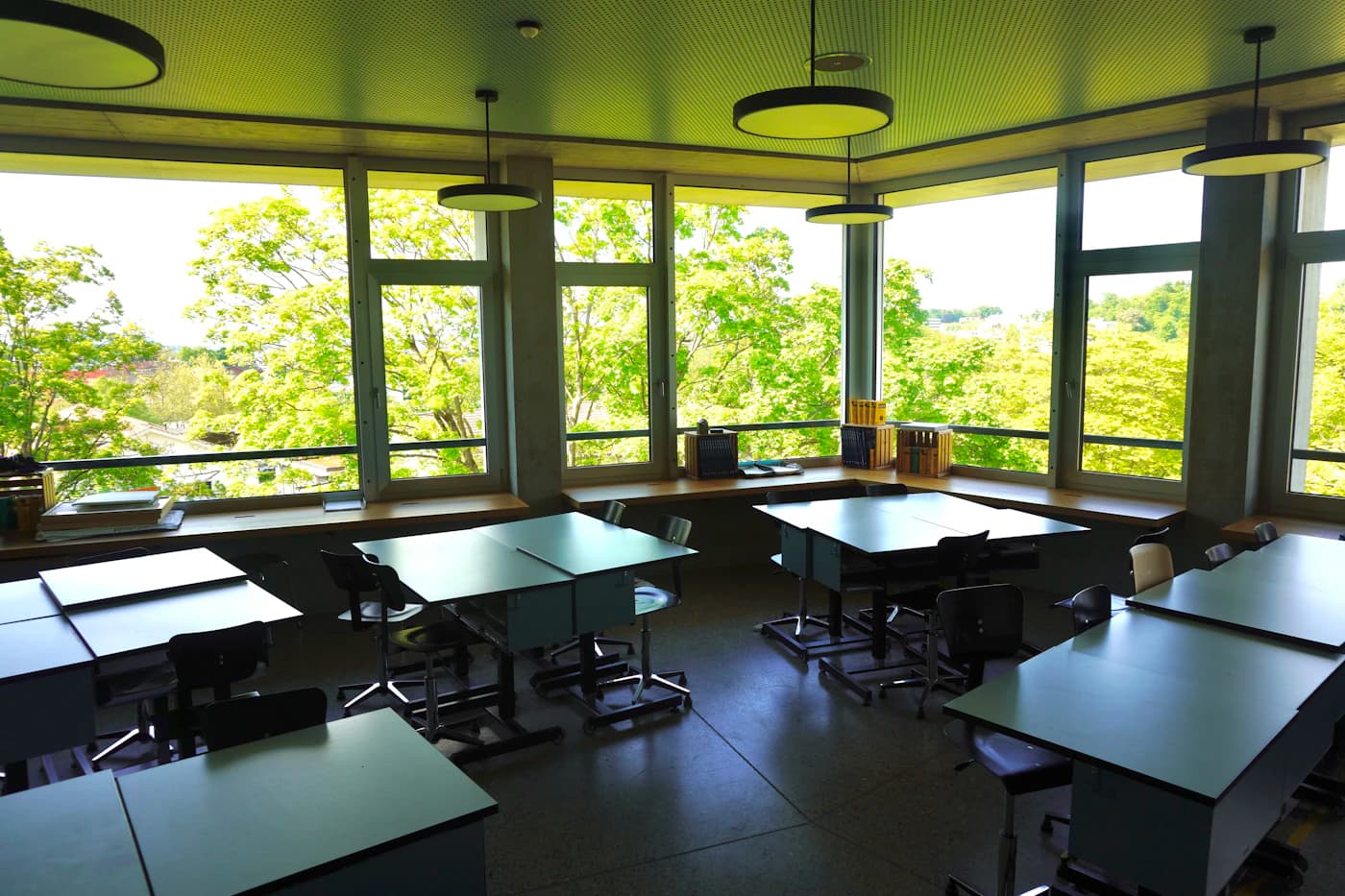
Temporary access · Training rooms · Isolated environments
01 / Your day-to-day
Learning starts with the right access.
Connect the whole group
Size Wi-Fi for simultaneous devices and activities, not just room area.
Networks & Wi-FiSeparate learning environments
Keep learners, trainers and administration separate. Plan dedicated environments for practical exercises.
Systems & identitiesPrepare the next session
Organise account expiry, computer resets and retention of only the files you need.
Virtualisation02 / Our work
What you take away.
A reference environment
Computers, software and access required for a session.
Temporary accounts
Permissions by group and defined end dates.
A between-session procedure
Resets, checks and instructions for trainers.
Training software licences and learning platforms are checked with their providers.
03 / Useful questions
Before getting started.
Can learners use their own devices?
Yes, on a network separated from internal resources, with capacity suited to the number of devices and planned activities.
How should practical exercises be organised?
Separate environments and limited permissions help contain exercises. The setup depends on the software and teaching requirements.
What happens between sessions?
Define account removal, retention of useful files and computer resets before the next session.
Your project starts here
Prepare for the next group.
Share learner numbers, software needs and your schedule.